WordStar Conversion Blog

Practical guides for teams recovering legacy WordStar documents without cloud uploads.

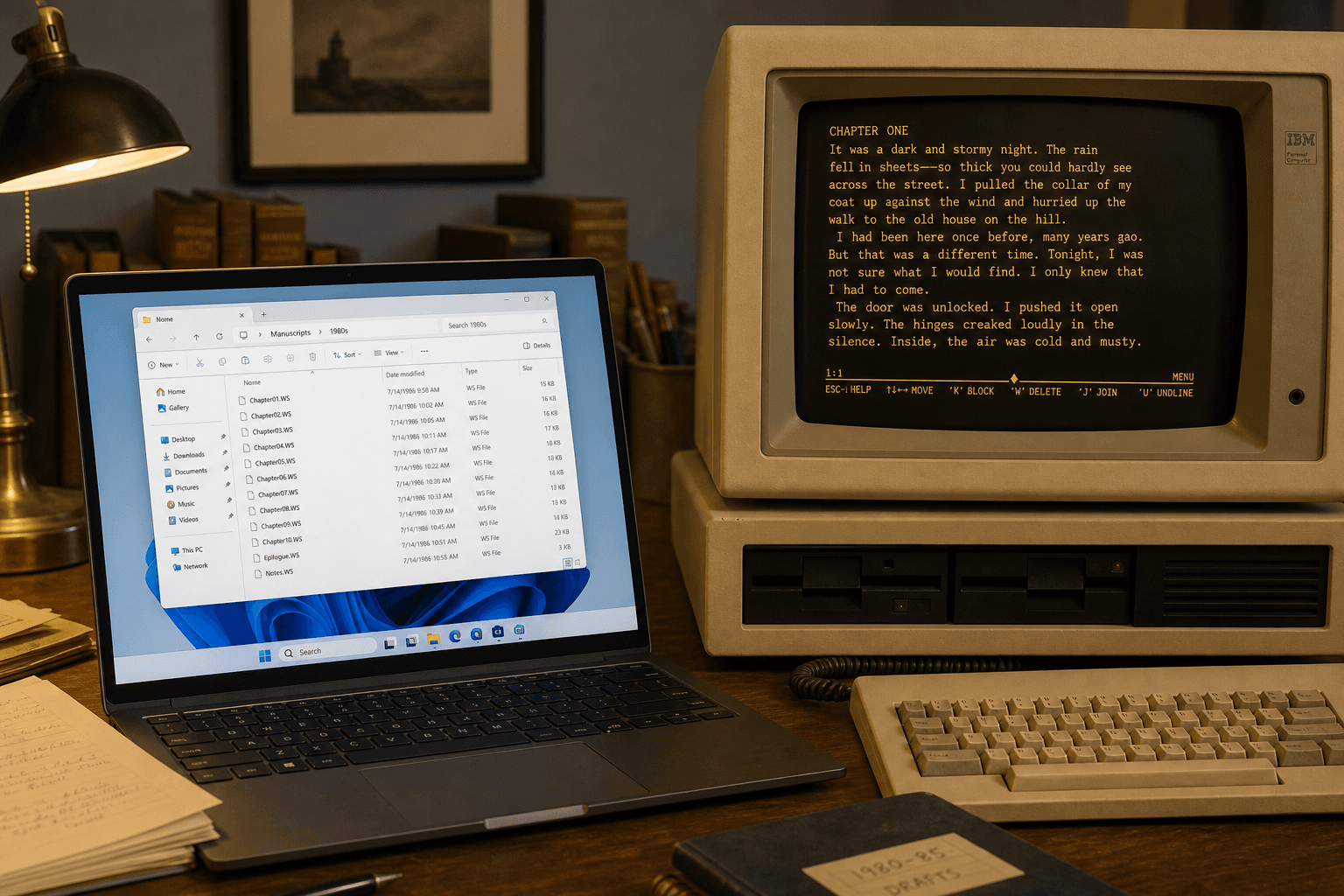
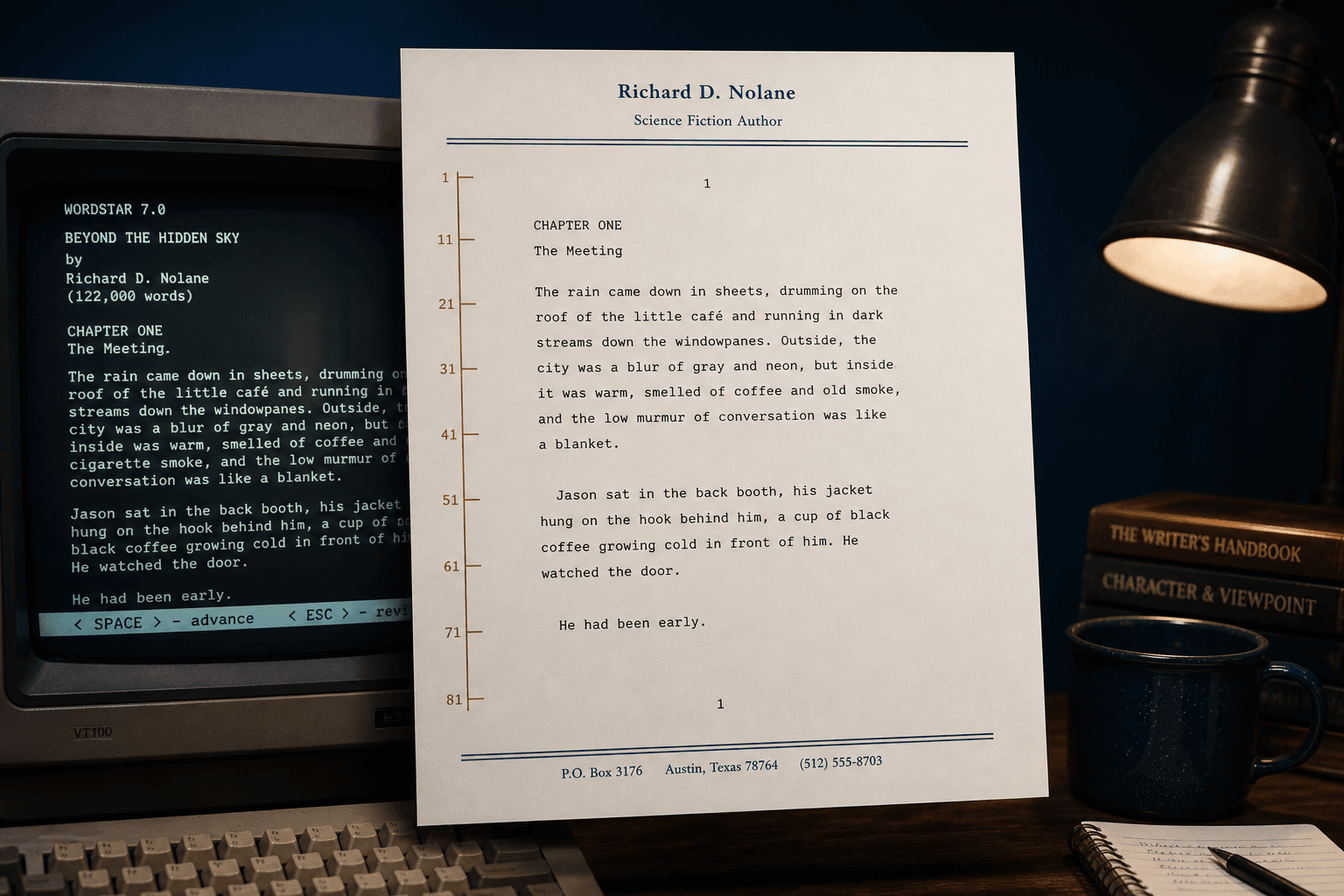
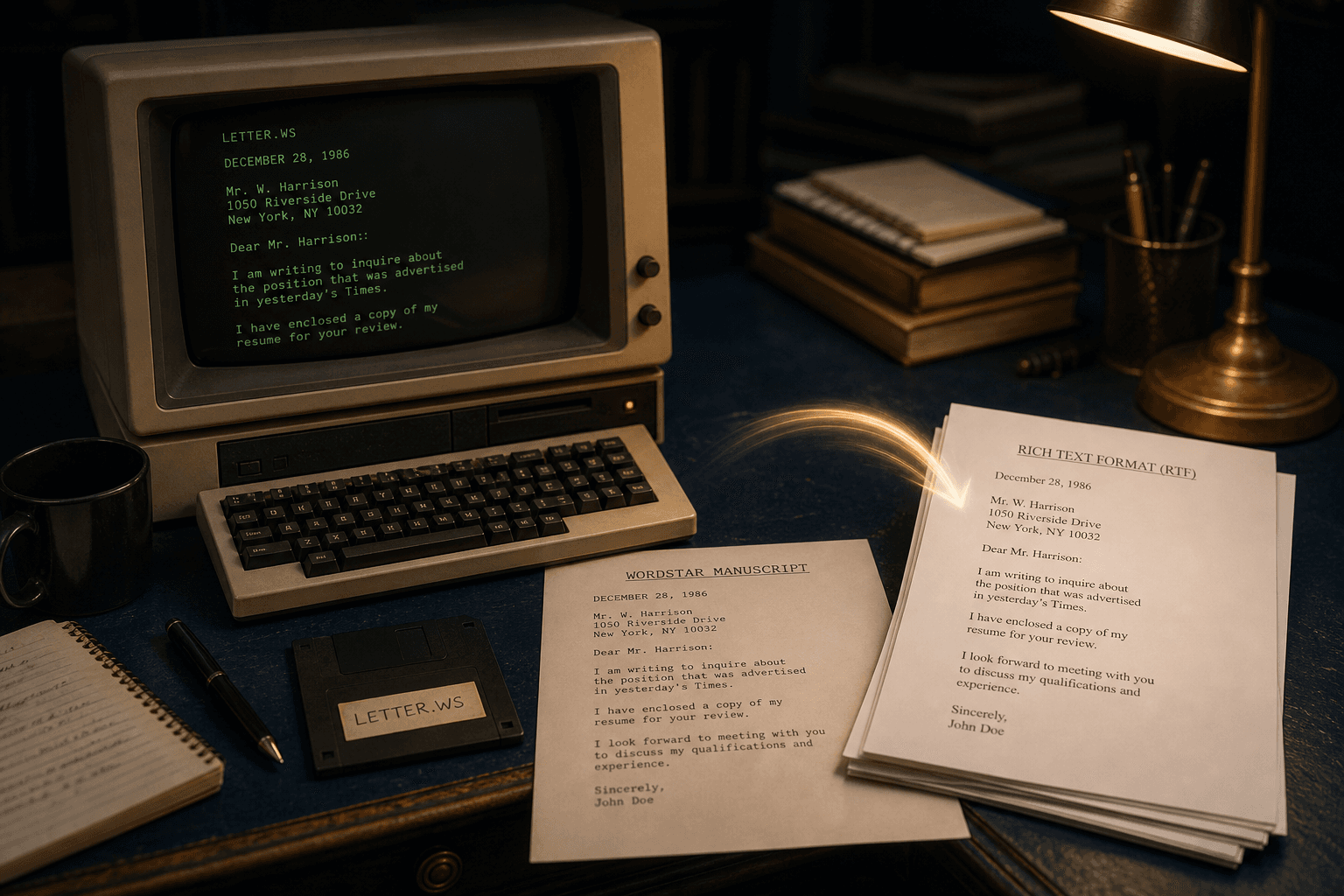
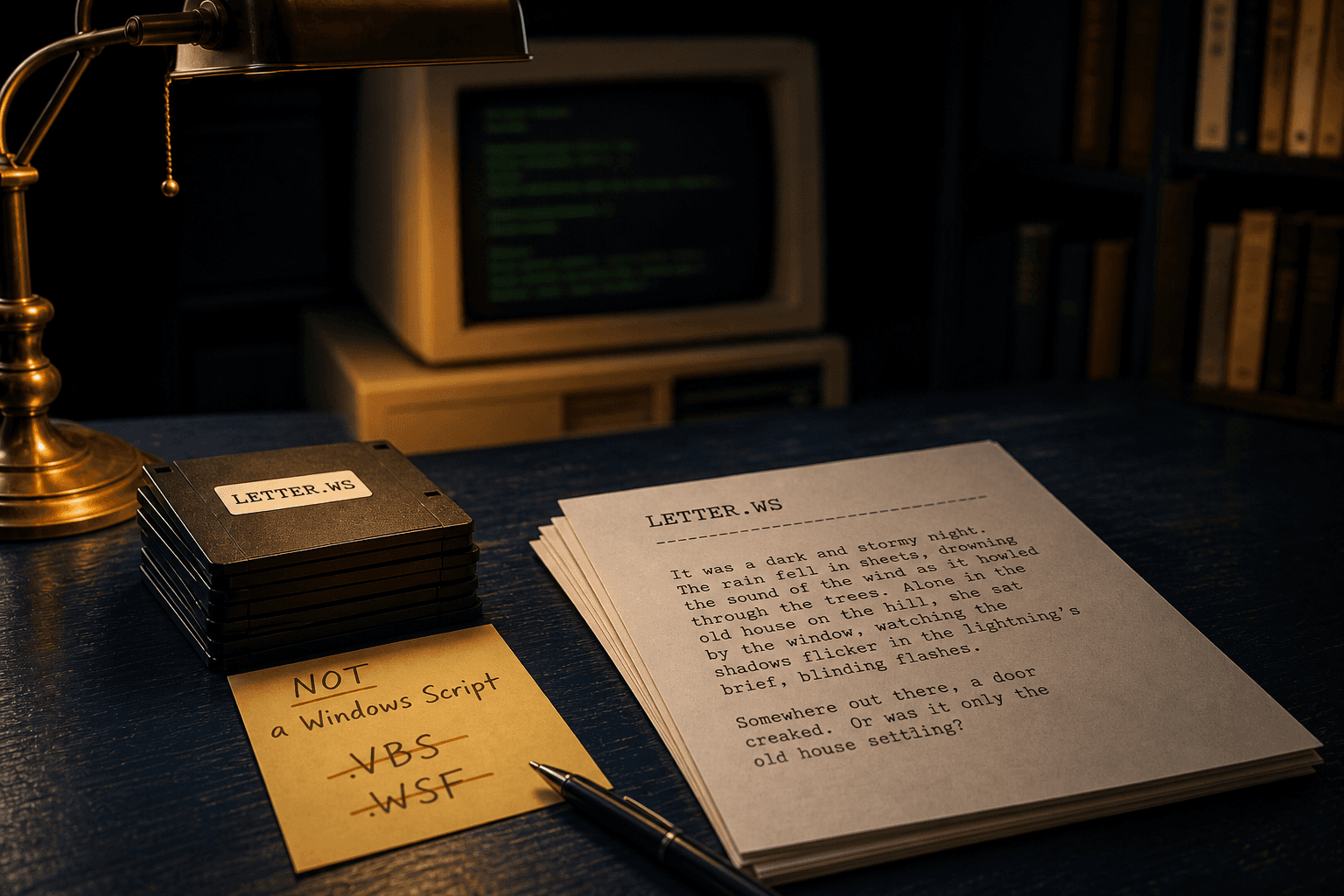
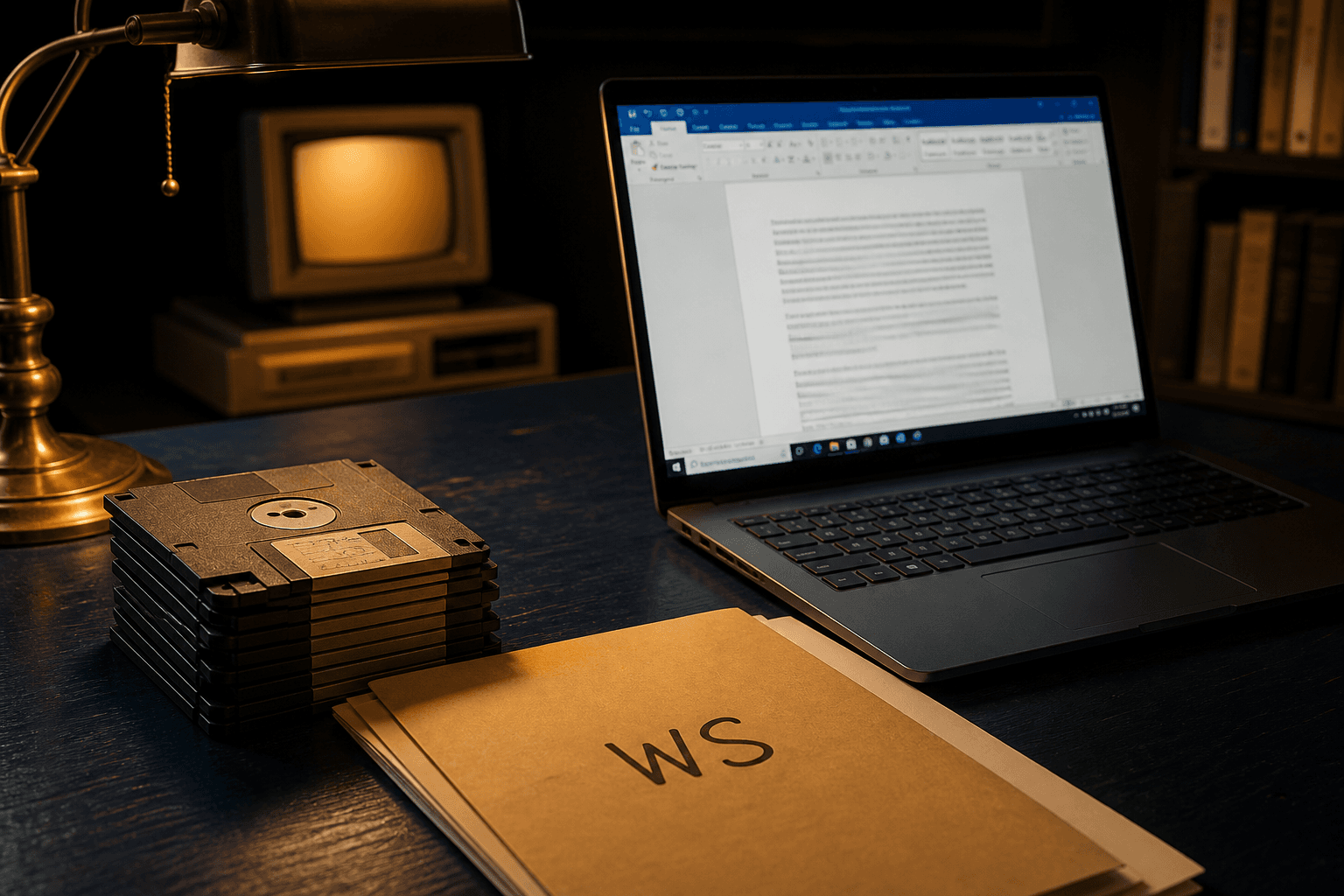
What Is a .WS File? WordStar Documents on Modern Windows
GuideSeptember 4, 2026

What Is a .WS File? WordStar Documents on Modern Windows

A .WS file is a WordStar document. Windows, Word, and a complete LibreOffice filter will not open it. Here is how the format works and how to convert it locally.

Read full article
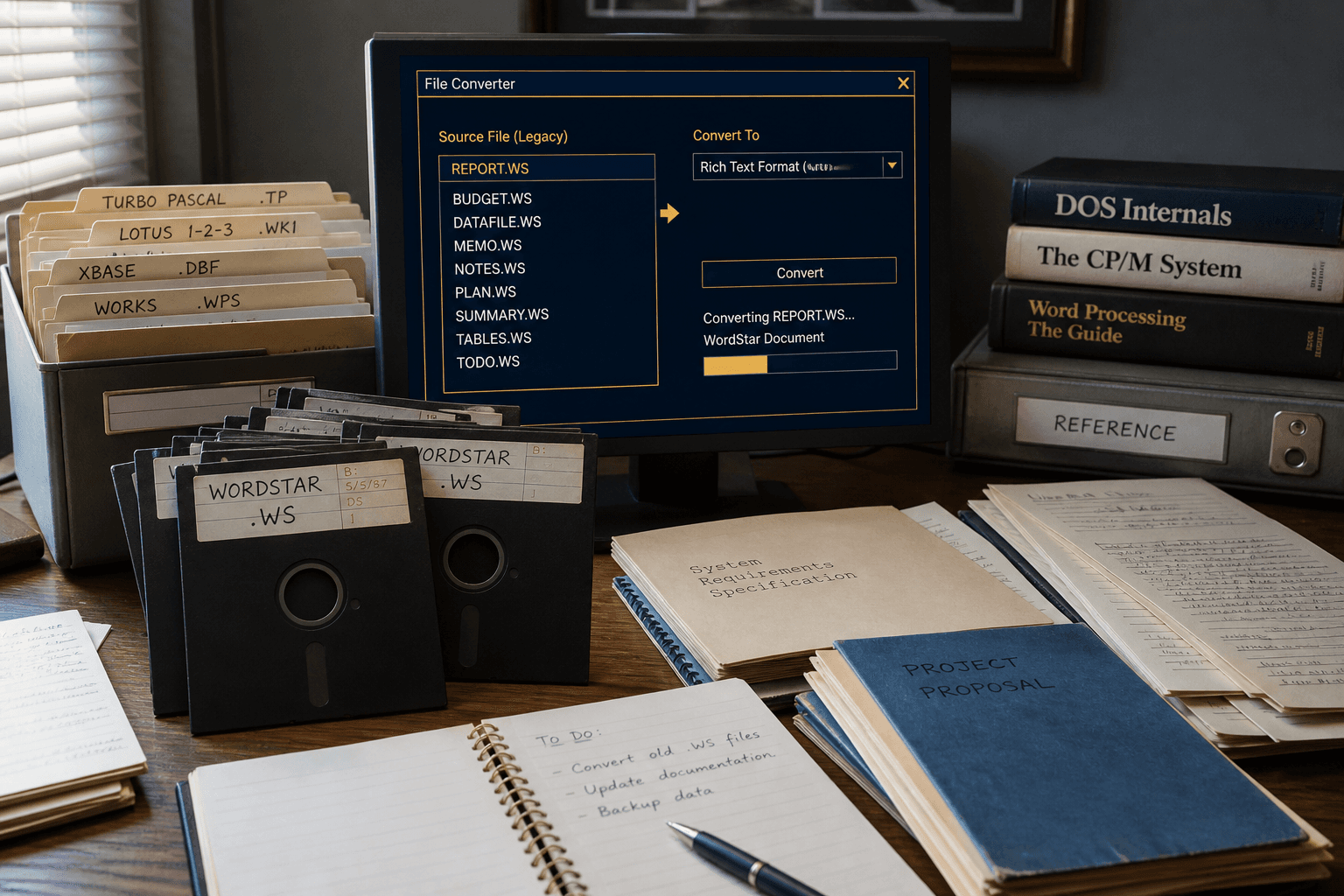
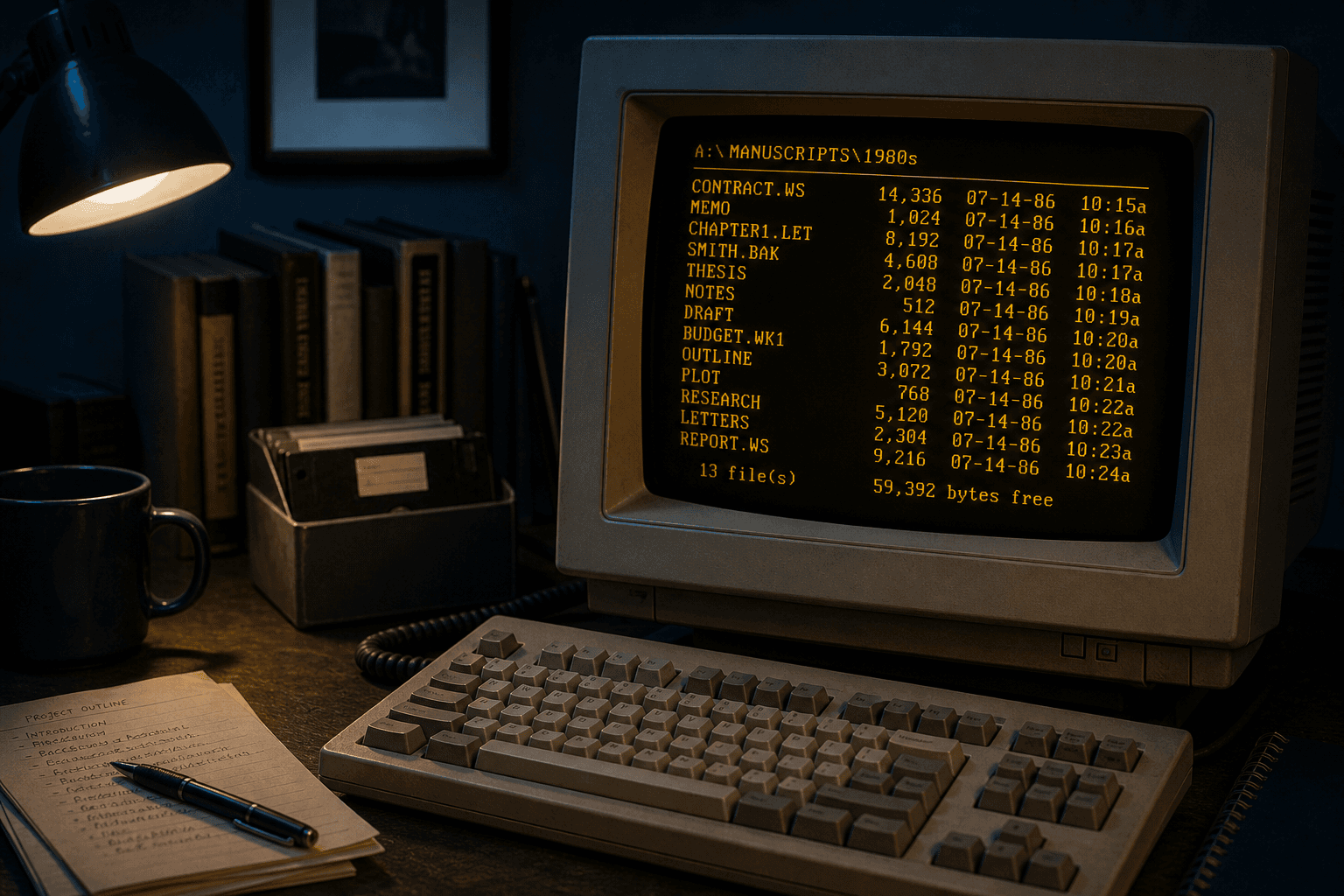
How to Open WordStar Files on Windows 11
GuideSeptember 4, 2026

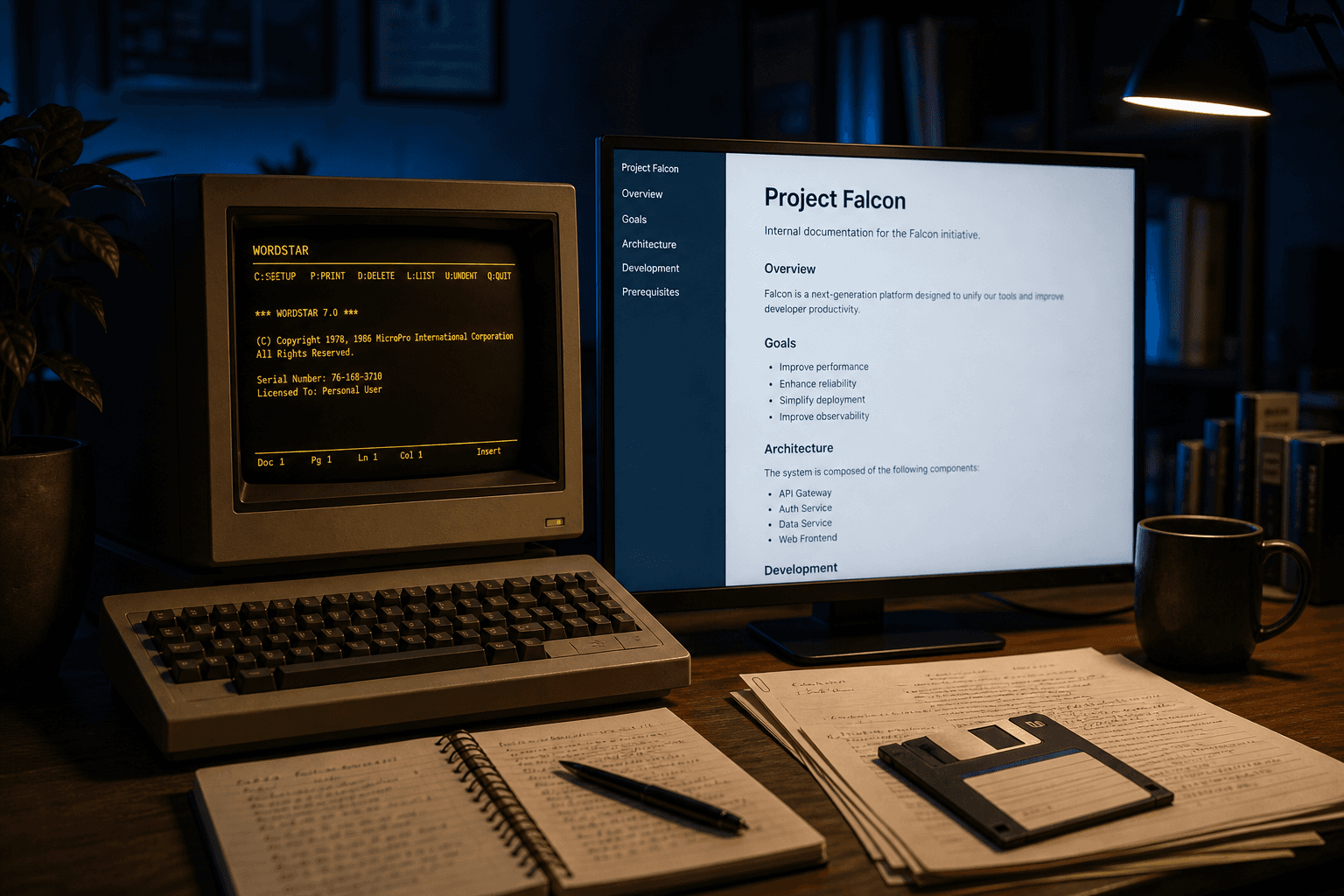
How to Open WordStar Files on Windows 11

Windows 11 cannot open .WS files. Word has no filter. Here is the local conversion workflow that actually works for a folder of WordStar documents.

Read full article
A Local Alternative to CloudConvert for WordStar Files
CompareSeptember 4, 2026

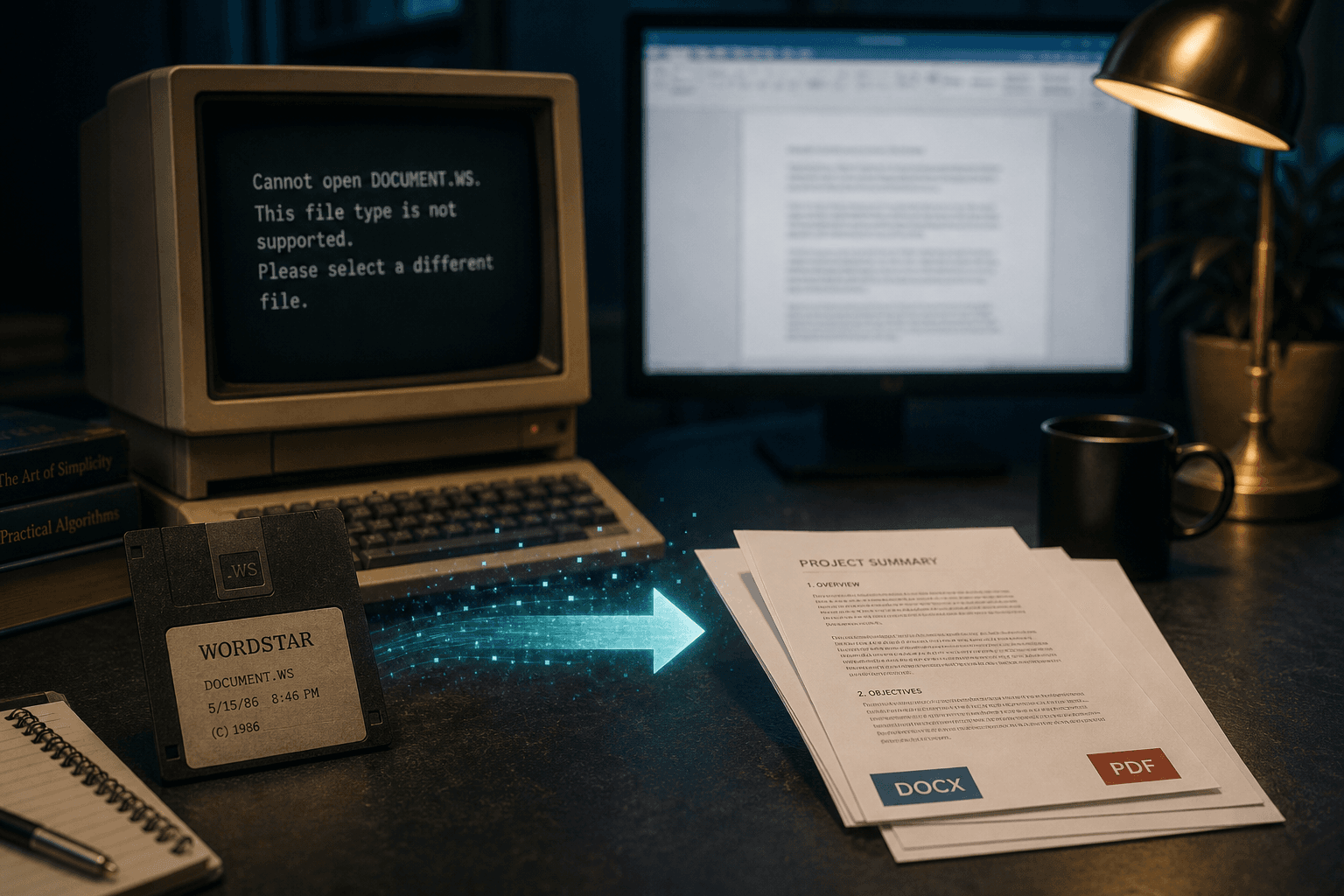
A Local Alternative to CloudConvert for WordStar Files

Cloud converters upload your files. A WordStar folder is a different job: convert .WS documents to DOCX or PDF on this PC.

Read full article
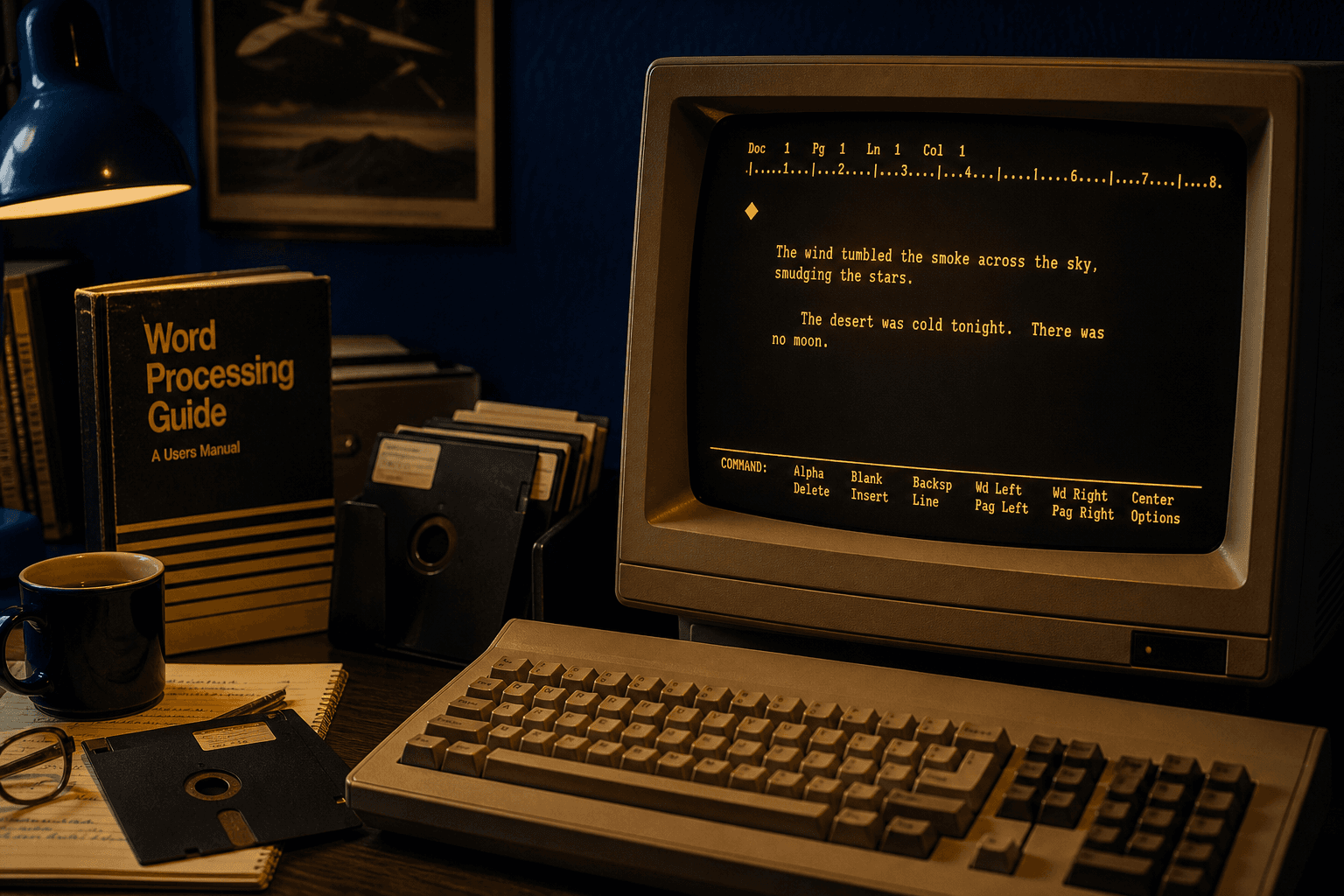
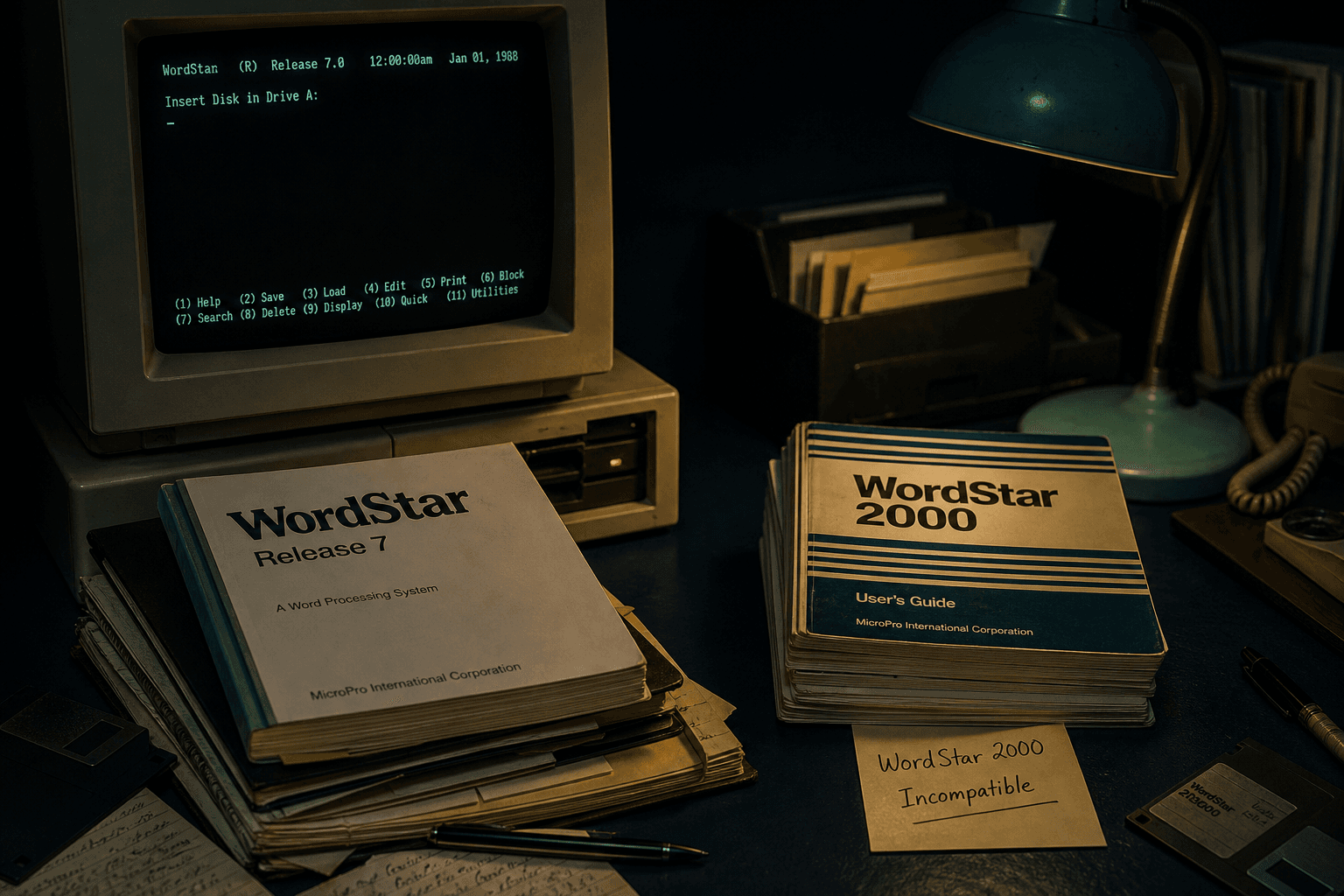
A Short History of WordStar (and Why the Files Still Matter)
HistorySeptember 4, 2026

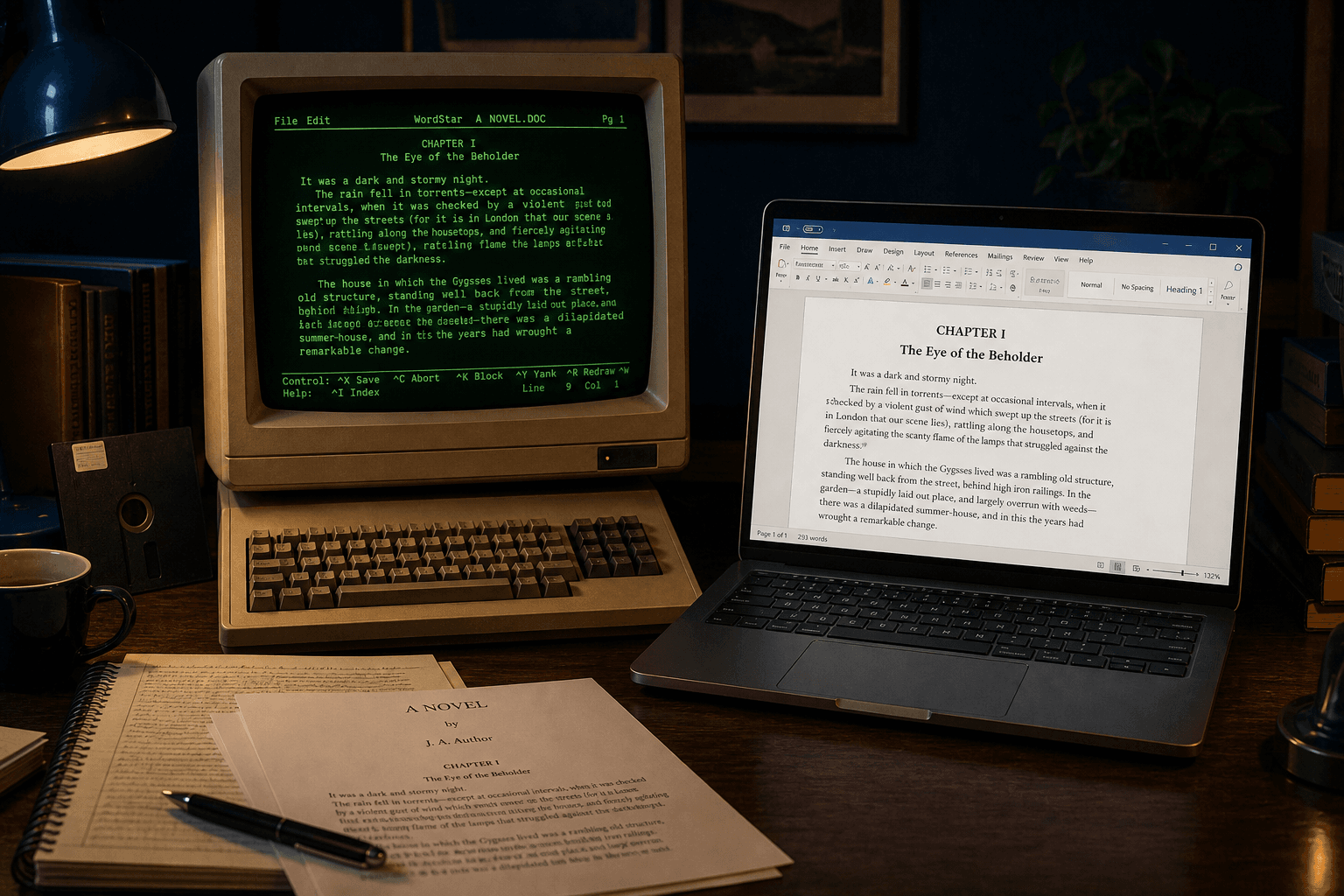
A Short History of WordStar (and Why the Files Still Matter)

WordStar ran the PC industry before Word. The documents are still on disks. Here is why the format is awkward — and how to recover it.

Read full article
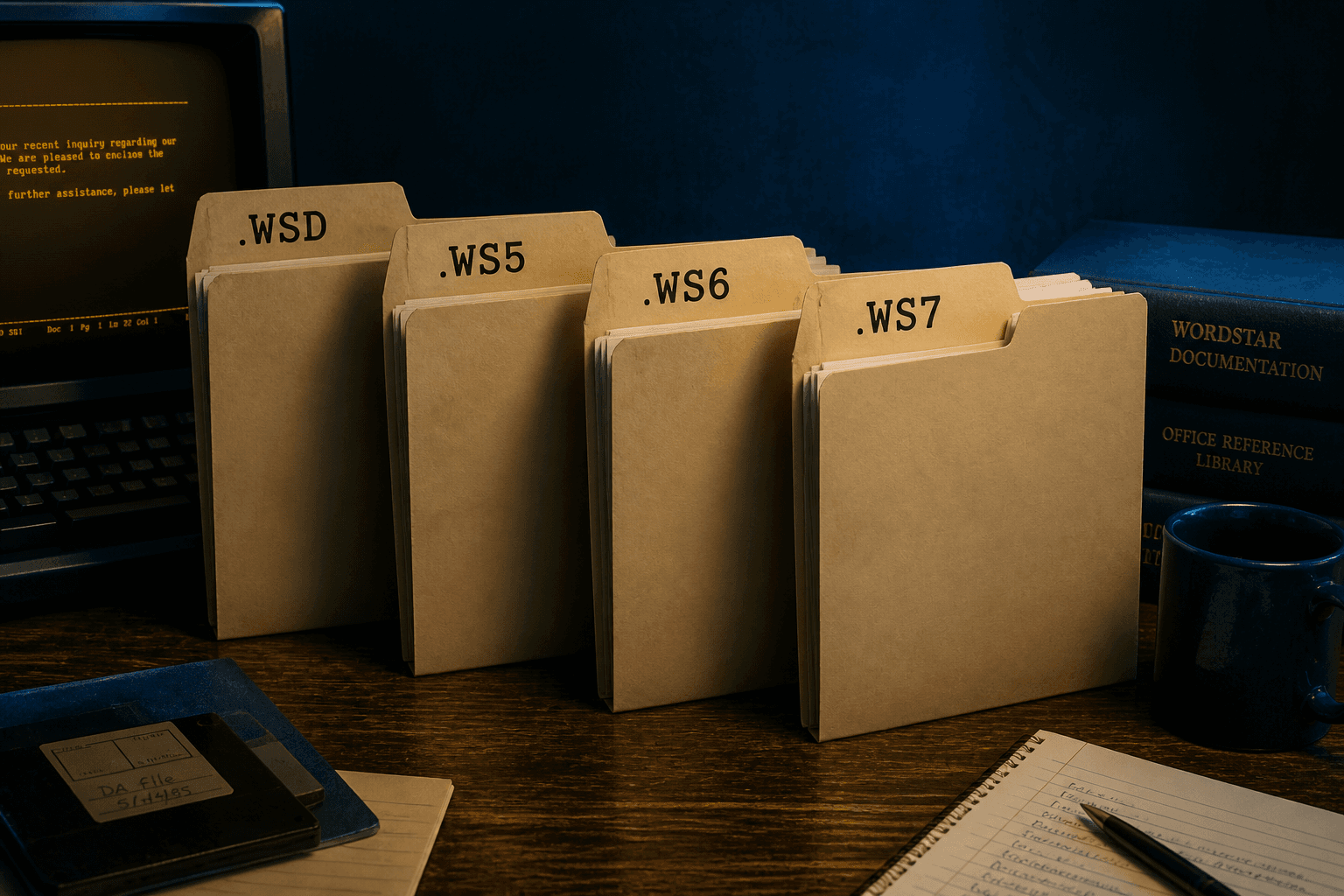
WordStar Dot Commands, Print Controls, and High-Bit Wrap
GuideSeptember 4, 2026

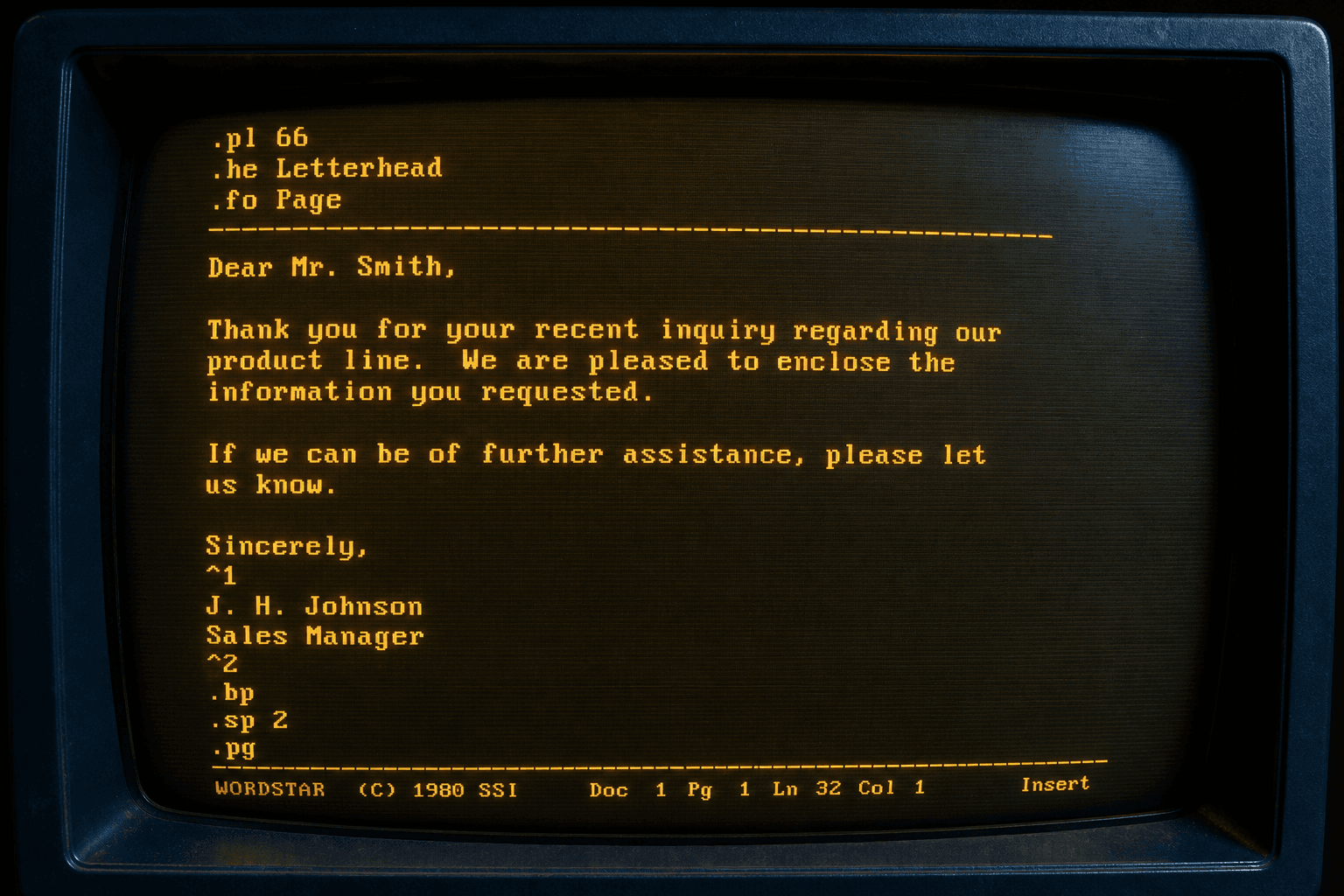
WordStar Dot Commands, Print Controls, and High-Bit Wrap

WordStar stored layout as .pl / .he / .fo dot commands and 00h–1Fh print controls. Here is what a native converter has to interpret.

Read full article
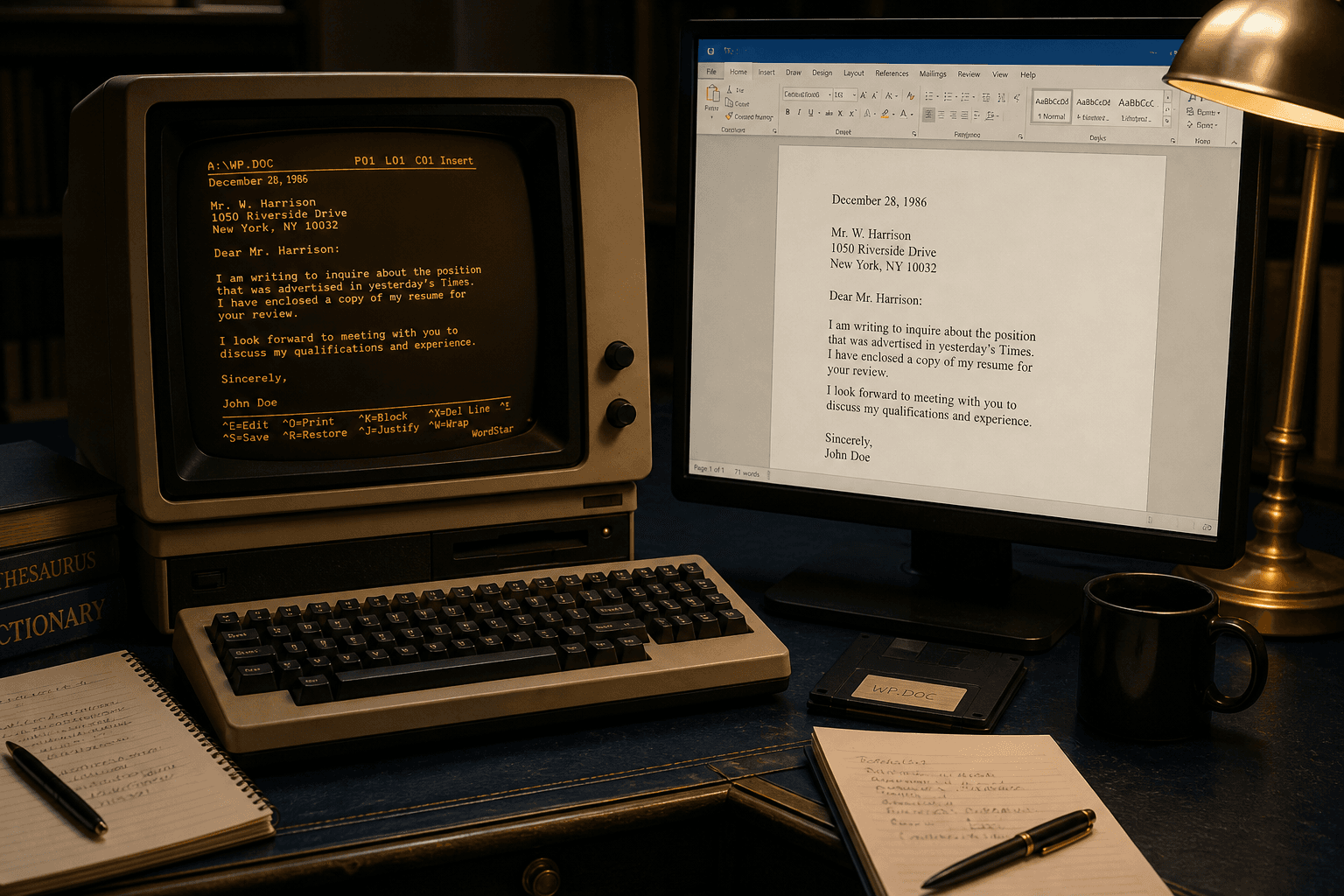
Convert WordStar to Word (DOCX) Without Losing Wrap and Emphasis
GuideSeptember 4, 2026

Convert WordStar to Word (DOCX) Without Losing Wrap and Emphasis

Convert .WS documents to editable Word files on this PC. High-bit wrap and print controls become real Word formatting.

Read full article
Convert WordStar to PDF for Archives and Disclosure
GuideSeptember 4, 2026

Convert WordStar to PDF for Archives and Disclosure

Turn .WS files into PDFs that open everywhere. Dot-command page setup stays on this PC — no cloud upload.

Read full article
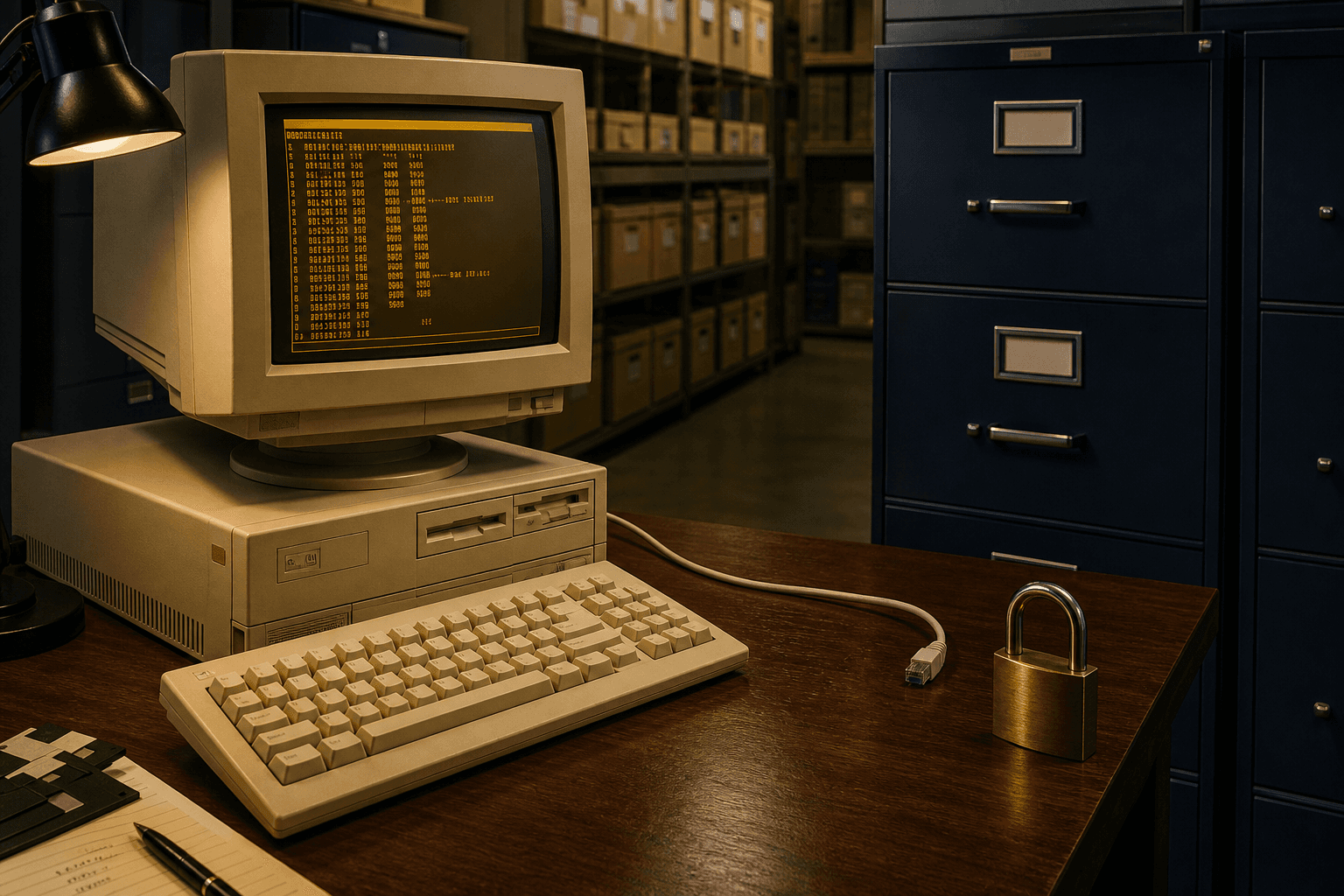
Keep WordStar Conversion Offline
PrivacySeptember 4, 2026

Keep WordStar Conversion Offline

WordStar archives are often privileged. Convert them on the same PC. Nothing is uploaded.

Read full article
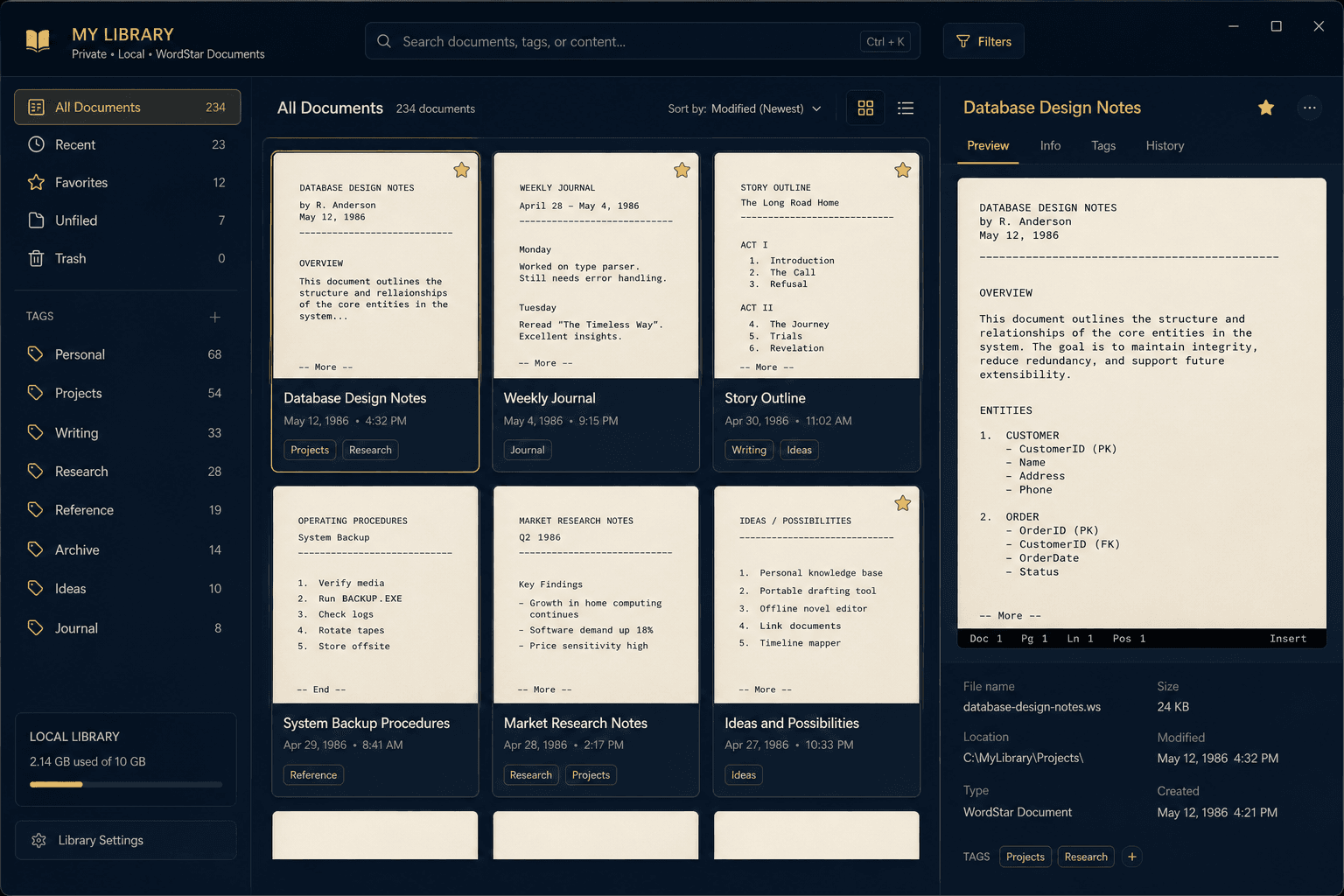
Conversion Library Plus: Search the Files You Converted
PlusSeptember 4, 2026

Conversion Library Plus: Search the Files You Converted

Standard converts WordStar files. Plus unlocks a private library of what you converted — search, tags, and previews on this PC.

Read full article
Prepare WordStar Archives for AI and RAG — Offline
GuideSeptember 4, 2026

Prepare WordStar Archives for AI and RAG — Offline

Convert .WS files to Markdown on this PC, then chunk and embed locally. Do not upload the archive to a chat box.

Read full article
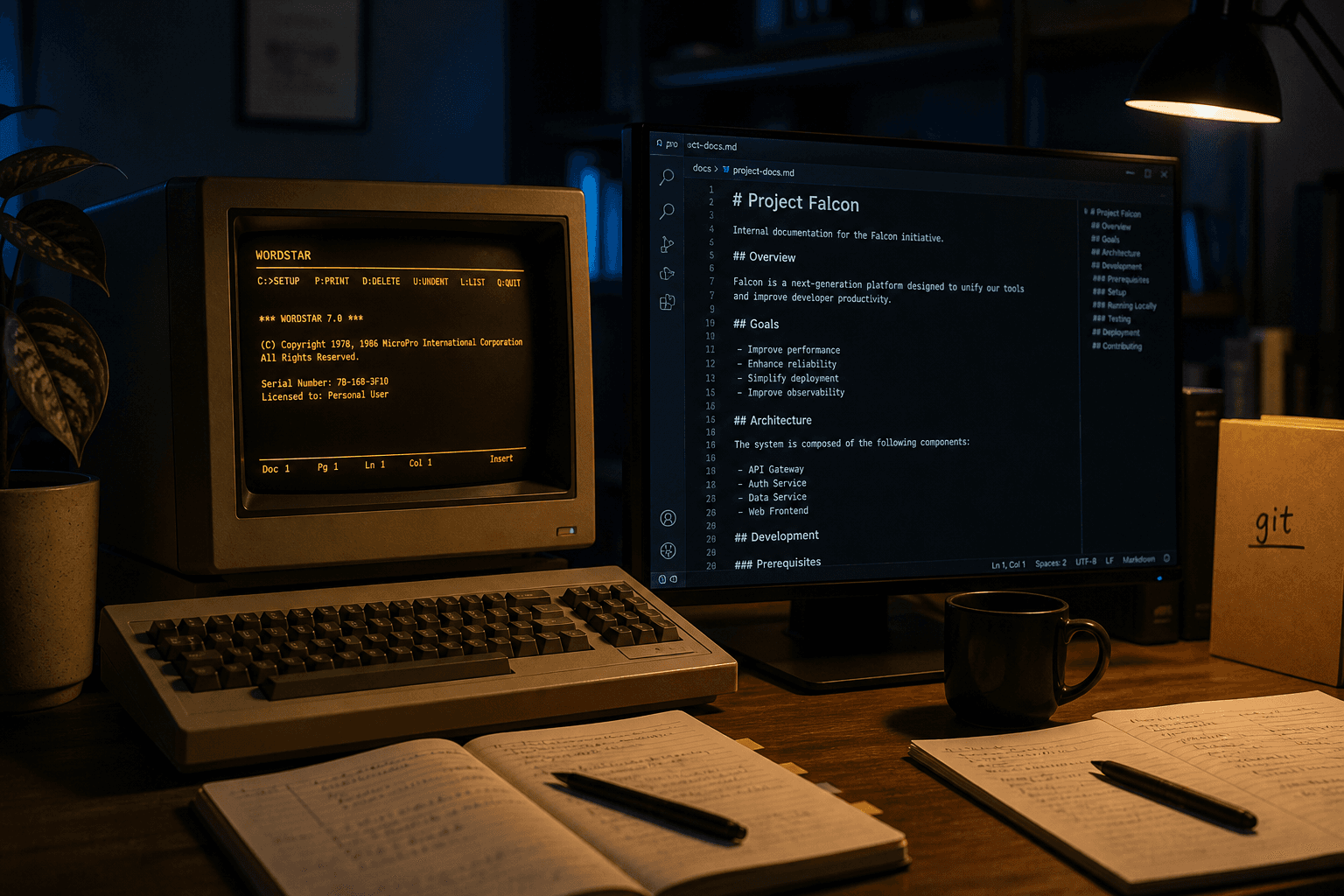
Convert WordStar to Markdown for Docs-as-Code
GuideSeptember 4, 2026

Convert WordStar to Markdown for Docs-as-Code

Turn .WS files into Markdown on Windows. Headings and emphasis survive. Nothing is uploaded.

Read full article
Need More Than WordStar? Legacy File Converter
GuideSeptember 4, 2026

Need More Than WordStar? Legacy File Converter

WordStar Converter handles .WS. For mixed archives (WordPerfect, Works, 1-2-3, and more), see Legacy File Converter.

Read full article

Ready to convert your WordStar files?

Use the same free trial as on our homepage: full features for up to 10 files on Windows 10/11, with every .WS conversion kept local.

Free trial

Full app features — up to 10 files

Windows 10 or 11

Download the Windows installer for the full 10-file trial. Same app you unlock with a license — 100% local on your PC.

Buy Standard — from $39.95