.WSD and .WS5–.WS7: Same WordStar Family, Later Releases
Different suffix. Same job: unwrap, map controls, write DOCX or PDF.
TL;DR
`.wsd` and `.ws5`–`.ws7` (and related `.ws3`–`.ws8`) are classic WordStar documents, not a new product line. Later releases added symmetrical sequences and richer layout while keeping the stream model. WordStar Converter treats them as one family.
Why the suffix changed
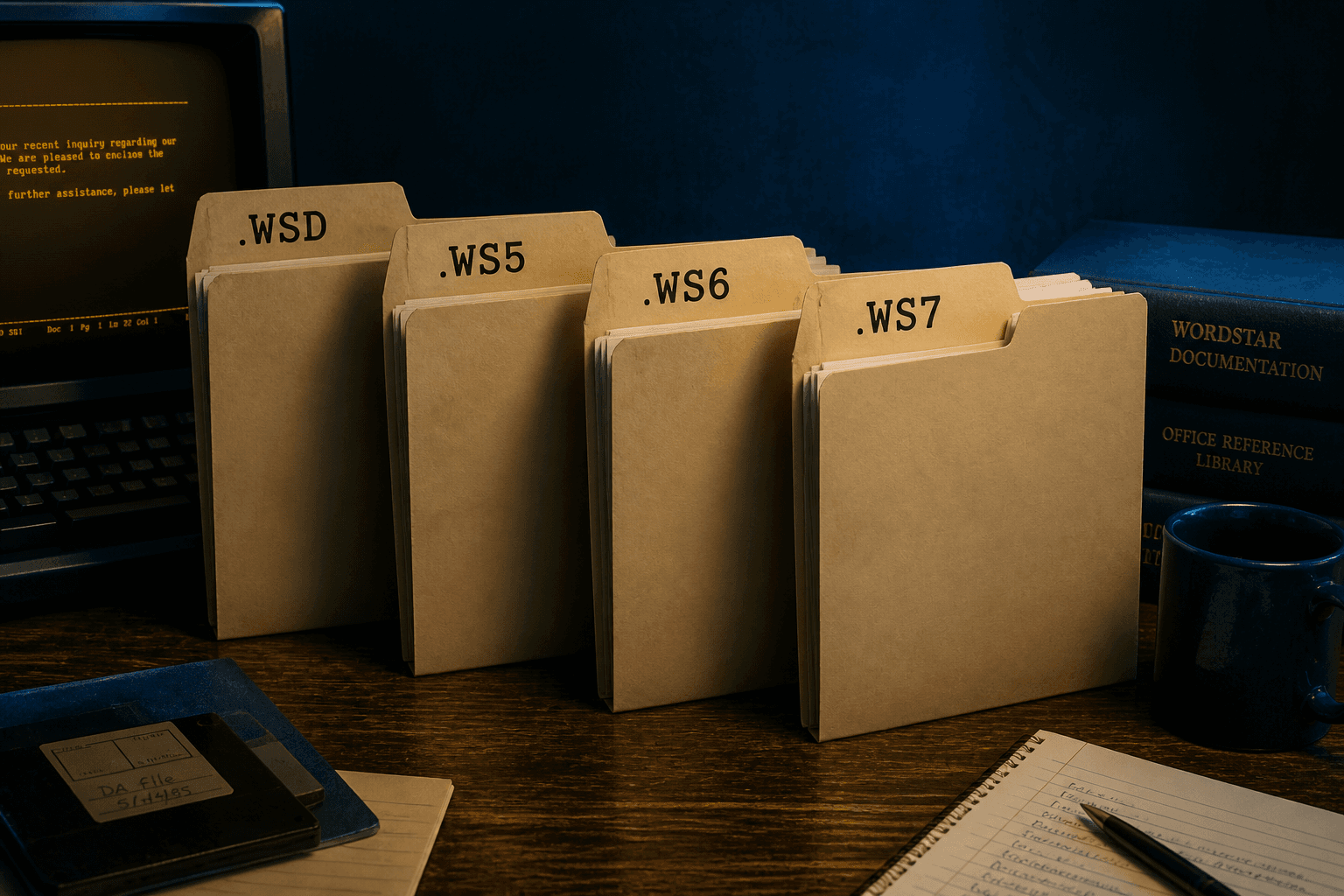
Users and installers often stamped the release into the extension: `.ws5`, `.ws6`, `.ws7`. WordStar for Windows commonly used `.wsd`. None of that splits the files into unrelated formats the way WordStar 2000 does.
PRONOM tracks MS-DOS versions separately (for example x-fmt/205 for v5, x-fmt/237 for v6, x-fmt/261 for v7) and Windows WordStar under x-fmt/206 and x-fmt/262 — identification detail for archivists, not a reason to buy seven converters.
What actually changed inside later releases
Early WordStar leaned on high-bit wrap flags. Later releases documented extended characters as `1Bh xx 1Ch` sequences and, from Release 5 onward, symmetrical sequences marked with `1Dh`. Dot commands grew richer (multi-line headers, conditional page breaks, more print controls).
For a converter user, the rule is simple: a tool that only strips high bits will mangle Release 5+ files. You need a parser that understands the later control layers.
Inventory tips
- Glob `*.ws*` and `*.wsd`, and still scan extensionless names.
- Keep `.BAK` siblings until you confirm the primary document converted cleanly.
- Do not rename everything to `.ws` before conversion — preserve provenance; let the scanner read content.
- Exclude fmt/882 WordStar 2000 material if your identifier separates it.
One pass, many extensions
WordStar Converter accepts `.ws`, `.wsd`, and `.ws3`–`.ws8` in the same batch. Output DOCX for editing, PDF for disclosure, Markdown for search. Trial 10 files locally; Standard $39.95.
Convert your files
Related reading
Convert the whole WordStar family
Trial 10 files. Standard $39.95.
Free trial
Full app features — up to 10 files
Windows 10 or 11
Download the Windows installer for the full 10-file trial. Same app you unlock with a license — 100% local on your PC.