CP/M WordStar Documents on Modern Windows
From 8-inch floppies and Kaypros to a searchable PDF — locally.
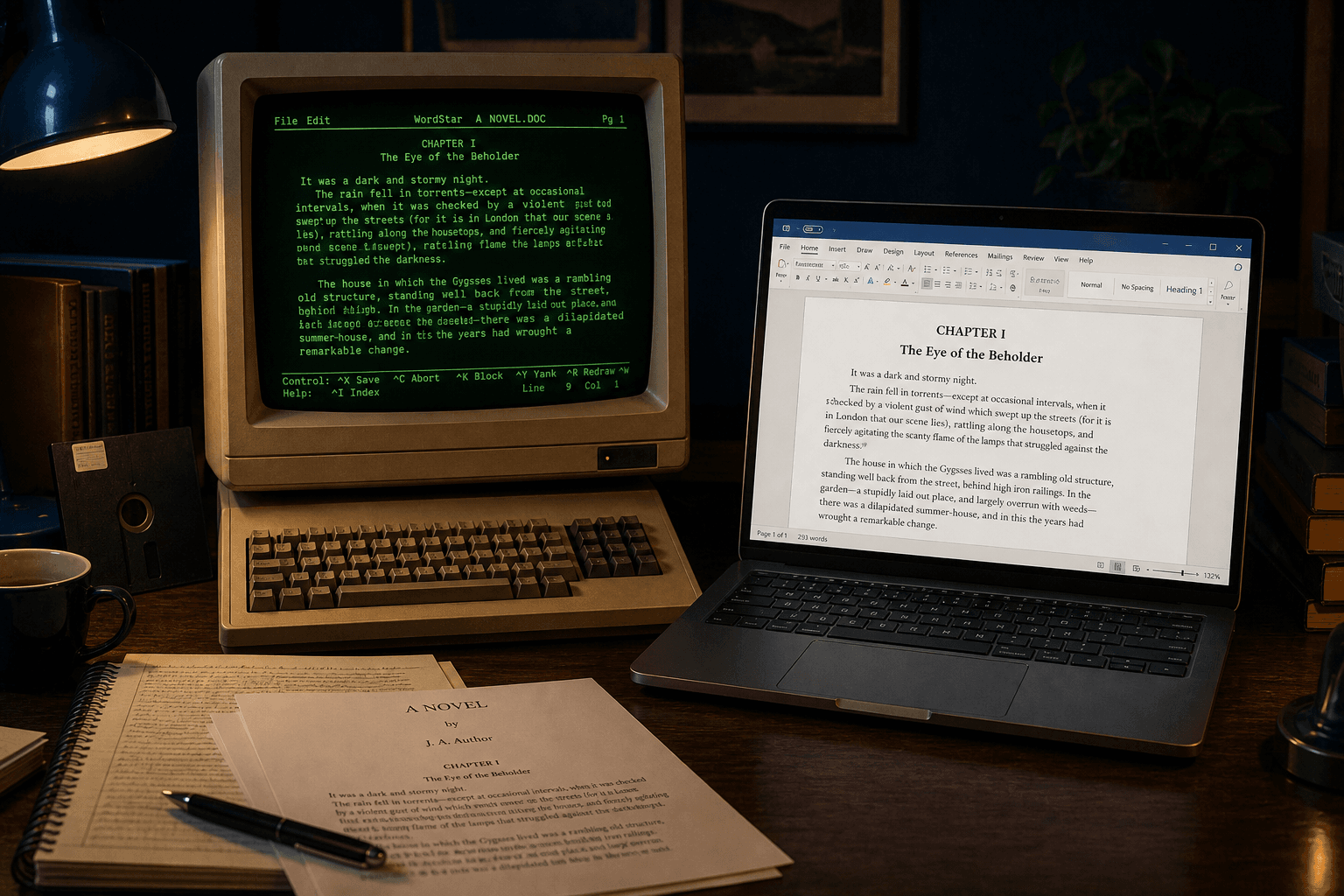
TL;DR
CP/M WordStar wrote classic documents with wrap flags, print controls, and dot commands. After you extract files from disk images, convert them on Windows with WordStar Converter — same family as later DOS `.ws` files.
Same format family, older media
WordStar launched on Digital Research’s CP/M before the IBM PC line dominated. The on-disk idea — text stream plus controls — carried into MS-DOS WordStar. If your extractor yields files that look like WordStar (high-bit wrap, `.pl` lines, `1Ah`), you are in the classic family this product targets.
Get the bits onto Windows first
Use whatever disk-image toolchain your archive already trusts (KryoFlux/flux exports, ImageDisk, operator-assisted copies). WordStar Converter does not read raw floppy flux; it reads the document files once they live on a Windows folder.
Preserve original names during extraction. CP/M directories often used short names without a `.ws` suffix.
Convert without a CP/M museum
Emulators are excellent for demonstration and poor for bulk delivery. Native conversion to DOCX and PDF on Windows 10/11 finishes the migration: searchable pages for researchers, editable Word for staff.
Trial 10 files locally. Standard $39.95 covers the rest of the tree.
Watch for lookalikes
Confirm you are not holding WordStar 2000 (PRONOM fmt/882) or an unrelated CP/M word processor. Classic WordStar signals are enough for a sample convert; quarantine oddballs.
Convert your files
Related reading
Convert classic WordStar on Windows
Trial 10 files. Standard $39.95.
Free trial
Full app features — up to 10 files
Windows 10 or 11
Download the Windows installer for the full 10-file trial. Same app you unlock with a license — 100% local on your PC.