Batch Convert a WordStar Estate or Archive Folder Offline
The unit of work is the tree, not the single attachment.
TL;DR
Copy the archive, sample hard files, then batch-convert with WordStar Converter using folder scan and optional watch folders. Outputs stay on this PC. Trial 10 files; Standard $39.95.
Who inherits these folders
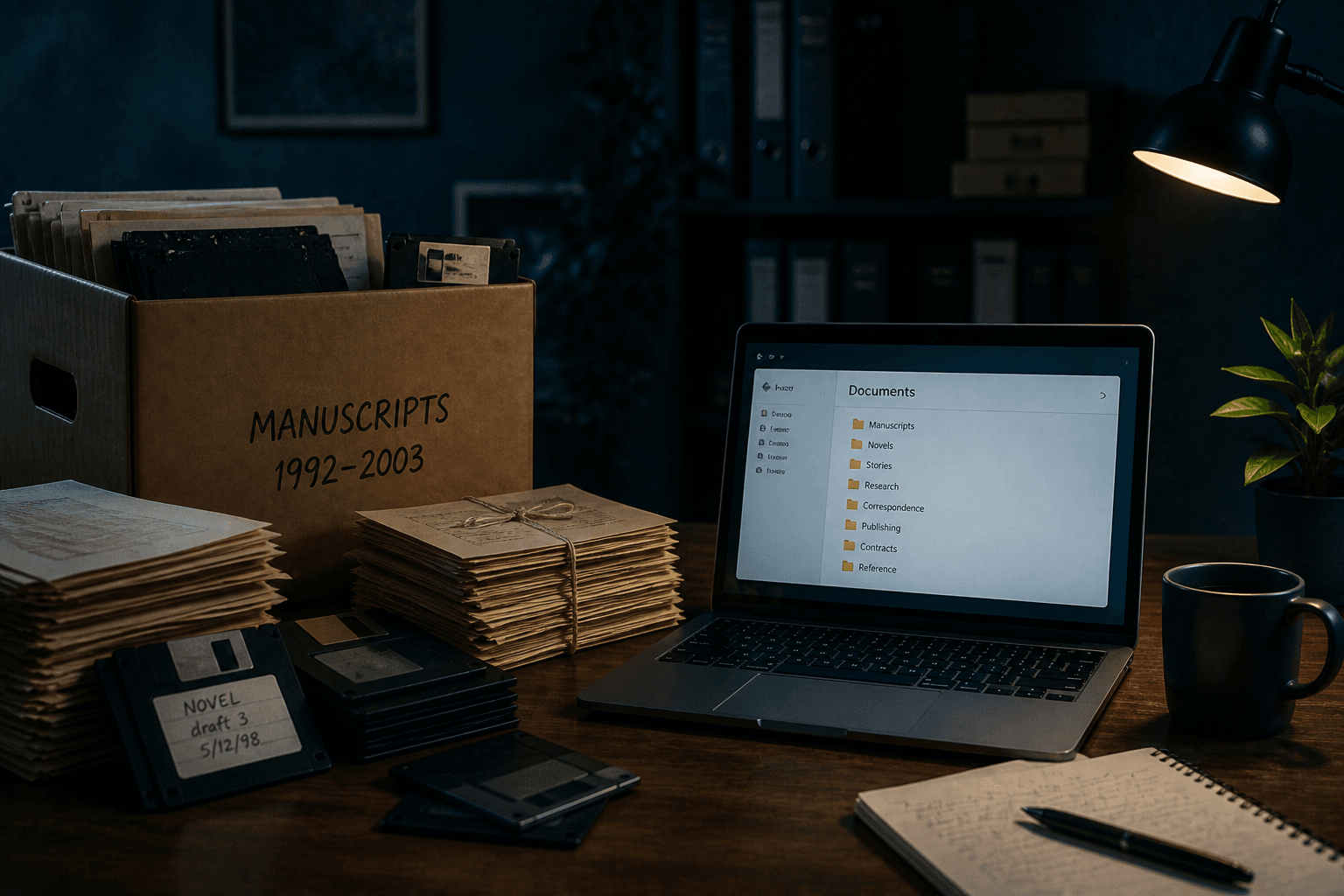
Literary estates, law-firm offsites, municipal basements, and university special collections still hold WordStar trees. The format was common among professional writers and offices; the migration problem is operational, not folkloric. You do not need celebrity anecdotes to justify a careful offline pass — custody and readability are enough.
A sober runbook
- Image or copy media; keep checksums or at least a read-only master.
- Inventory extensions: `.ws`, `.wsd`, `.ws5`–`.ws7`, bare names, `.BAK`.
- Convert three hard samples to DOCX and PDF; have a human skim them.
- Batch the tree into a separate output folder; preserve structure.
- Optional: enable a watch folder for late drops from executors or counsel.
Why batch beats a VM
A DOS WordStar guest can open one letter. It will not comfortably emit dual DOCX+PDF for five thousand paths, write a conversion log, or sit on a Windows 11 watch share. Native batch conversion is the estate-scale tool.
Privacy and deliverables
Estates often mix unpublished manuscripts with contracts. Keep conversion local. Deliver searchable PDFs for reading rooms, DOCX for editors, and optionally Markdown for internal search — without uploading the masters to a consumer converter.
Trial 10 files validates the pipeline. Standard ($39.95) covers the full tree. Conversion Library Plus adds private local search after the fact.
Convert your files
Related reading
Batch the archive on this PC
Trial 10 files. Standard $39.95. Plus available as add-on.
Free trial
Full app features — up to 10 files
Windows 10 or 11
Download the Windows installer for the full 10-file trial. Same app you unlock with a license — 100% local on your PC.