Convert WordStar to RTF for Maximum Compatibility
The interchange format for destinations you do not control.
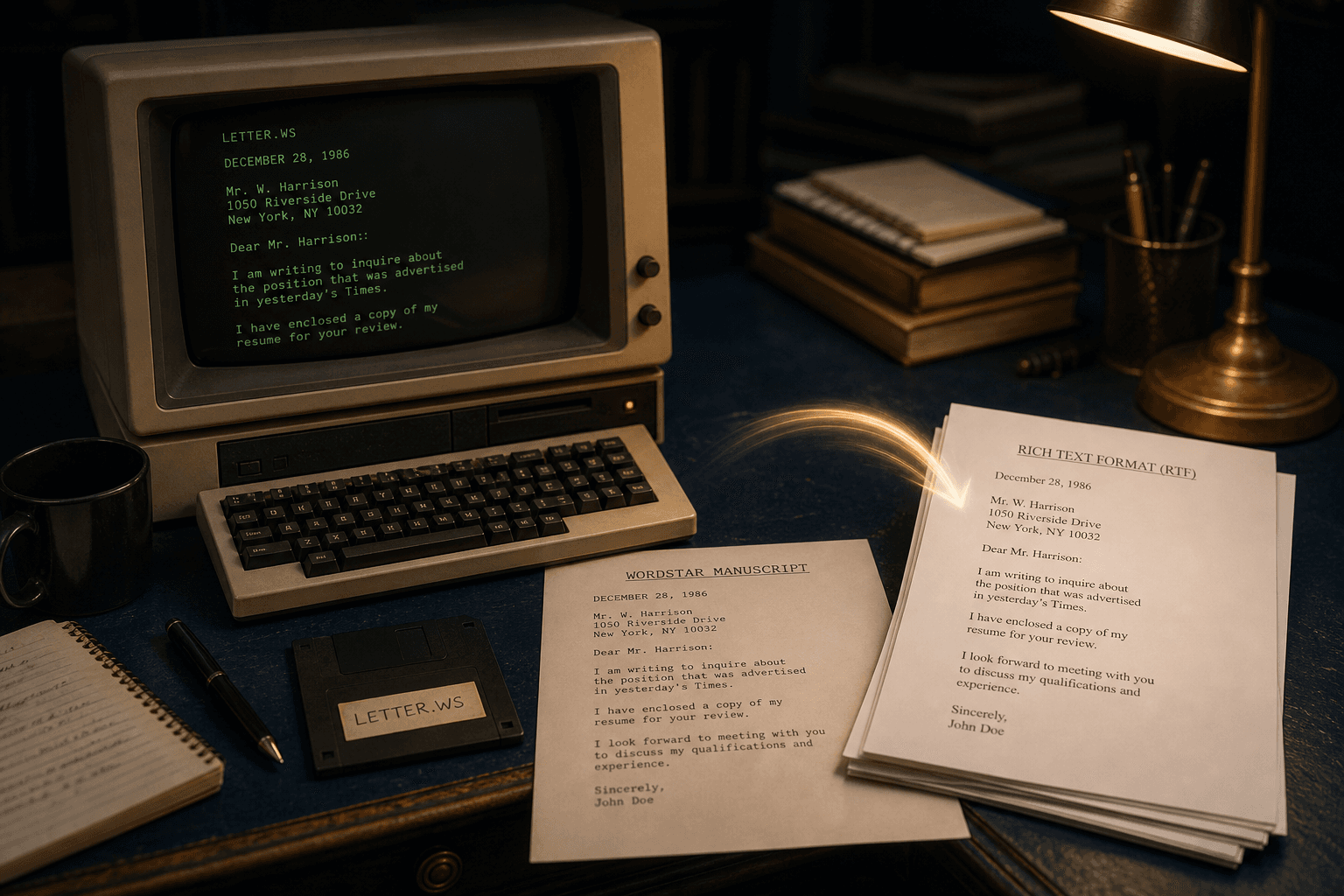
TL;DR
Choose RTF when the receiving system is older, unknown, or picky. WordStar Converter maps wrap and print controls locally. Trial 10 files. Standard $39.95.
When RTF beats DOCX
DOCX is perfect inside Microsoft Word. RTF is safer when the next hop is an older document-management system, a review platform with quirky filters, or a partner who still says “send RTF.”
RTF keeps formatting as markup rather than a zipped XML package, which makes bulk audits and diffs easier during large WordStar migrations.
What survives the round trip
High-bit wrap becomes ordinary paragraphs. Bold, underline, and related print controls become RTF emphasis. Extended characters become Unicode instead of escape leftovers.
Dot-command page setup is not RTF’s strength the way PDF is — if running heads are the deliverable, emit PDF alongside RTF in the same pass.
Batch offline
Point the converter at the archive, choose RTF (optionally with DOCX or PDF), and write to an output tree. Trial 10 files; Standard $39.95.
Not Windows Write
WordStar Converter does not convert Windows Write `.wri` files. RTF output here means WordStar → RTF, not a claim over every 1990s Windows document type.
Convert your files
Related reading
Convert a sample to RTF
Trial 10 files. Standard $39.95.
Free trial
Full app features — up to 10 files
Windows 10 or 11
Download the Windows installer for the full 10-file trial. Same app you unlock with a license — 100% local on your PC.