Convert WordStar to OpenDocument (ODT)
Policy wants ODF. The archive still speaks WordStar.
TL;DR
Emit ODT when retention mandates OpenDocument. WordStar Converter writes ODT from a native classic WordStar parser. LibreOffice’s WordStar import remains an incomplete competitor filter — not an engine we ship.
Why ODT from WordStar
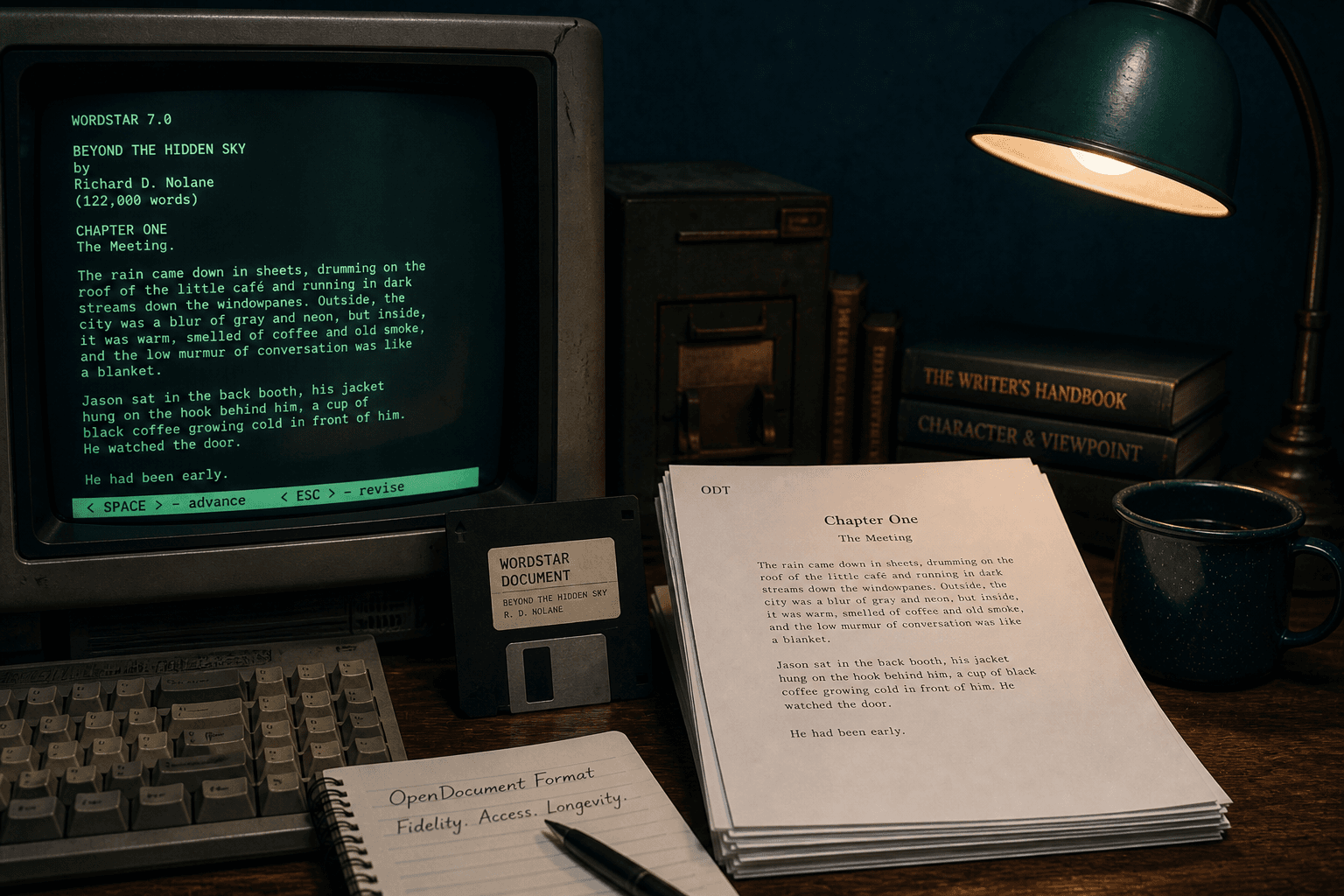
Many governments and universities require OpenDocument for long-term textual records. Converting WordStar manuscripts straight to `.odt` puts them into policy compliance without a Word-shaped detour.
Do not rely on LibreOffice’s WordStar filter alone
LibreOffice can attempt a WordStar import. It often mishandles high-bit wrap and Release 5+ symmetrical sequences. That limitation is why dedicated conversion exists — and why WordStar Converter does not call LibreOffice as its engine.
Writing ODT from a native parse is one clean translation you can sample before the bulk run.
Practical workflow
Install the trial, convert a hard sample to ODT, open it in LibreOffice Writer, then batch. Add PDF in the same pass if the schedule wants both editable and fixed copies.
Trial 10 files. Standard $39.95.
Scope
Classic `.ws` / `.wsd` / `.ws3`–`.ws8` only. Not WordStar 2000 (fmt/882). Not Windows Write `.wri`.
Convert your files
Related reading
Convert a sample to ODT
Trial 10 files. Standard $39.95.
Free trial
Full app features — up to 10 files
Windows 10 or 11
Download the Windows installer for the full 10-file trial. Same app you unlock with a license — 100% local on your PC.