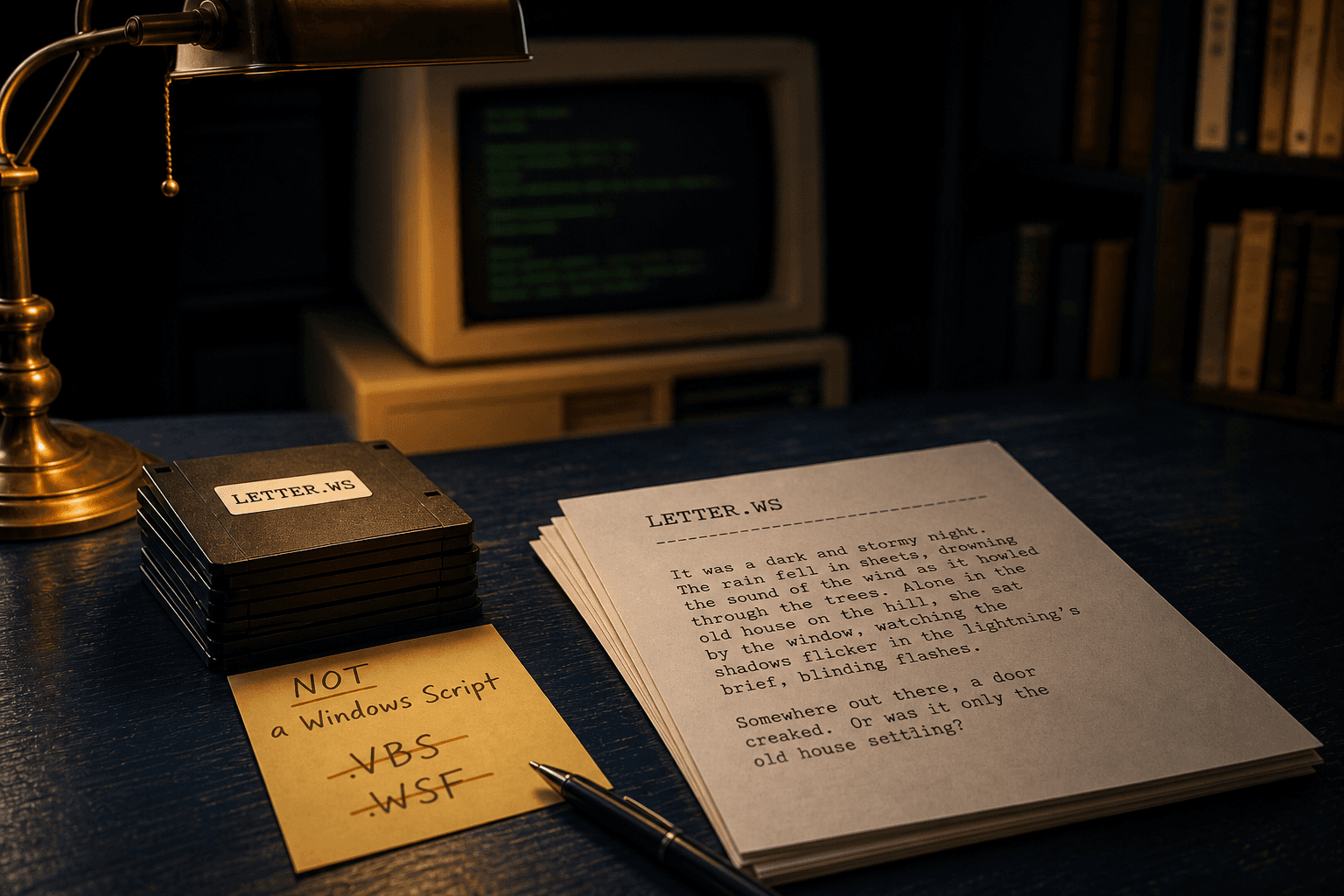
.WS Is Not a Windows Script — It Is Usually WordStar
FileInfo said “script.” Your floppy said “memo.” Trust the bytes.
TL;DR
A `.ws` file on a legacy archive is almost always a WordStar document, not a Windows Script Host program. Microsoft’s common script extensions are `.vbs`, `.js`, and `.wsf`. Open a sample in Notepad: prose and `.pl` / `.he` lines mean WordStar. Convert locally with WordStar Converter.
Why catalogs disagree
Some extension directories (including long-running FileInfo-style pages) describe `.ws` as an executable script for Windows Script Host (WSH). Other catalogs list WordStar. Both associations have appeared in the wild, which is why search results for “what is a .ws file windows script” collide with “WordStar .ws”.
On disks from the 1980s and 1990s, the WordStar meaning dominates. On a modern download of unknown origin, treat any unexpected `.ws` with the same caution you would give an unknown `.vbs` — but do not assume every `.ws` is malware.
How to tell WordStar from a script
- WordStar: readable English (or other prose), lines starting with `.pl`, `.he`, `.fo`, `.pa`, high-bit “accented” letters at word ends, often ends near EOF `1Ah`.
- VBScript / JScript: `Dim`, `Set`, `WScript.`, `CreateObject`, function keywords, or XML-ish `.wsf` job wrappers.
- True Windows Script File batches usually use **`.wsf`**, not `.ws`.
- Context: a folder named `LETTERS` next to `CONTRACT.WS` is not a script drop.
What Windows will try to do
If Explorer associates `.ws` with a script host, double-clicking is the wrong test. Right-click → Open with → Notepad first. If it is WordStar, you will see a document. If it is a script, you will see code — and you should not run it from an untrusted source.
Neither Microsoft Word nor a complete LibreOffice filter will reliably open classic WordStar. The fix for documents is local conversion, not “Open with Word.”
Convert the document safely
Once you confirm prose + WordStar controls, use a native parser on this PC. WordStar Converter reads `.ws`, `.wsd`, and `.ws3`–`.ws8`, writes DOCX or PDF, and does not upload the file. Trial 10 conversions; Standard $39.95.
Convert your files
Related reading
Open the WordStar .WS on this PC
Free trial: 10 local conversions. Standard $39.95 one-time.
Free trial
Full app features — up to 10 files
Windows 10 or 11
Download the Windows installer for the full 10-file trial. Same app you unlock with a license — 100% local on your PC.